


My friend got stuck at a grocery checkout last month—card declined, queue behind him, no clue how much was left on his Lulu card. He’d never properly figured out how to check the Lulu balance check, so when it actually mattered, he was just guessing.
If that sounds familiar, this guide is for you. There are five different ways to check your Lulu card balance in 2026. Some take under a minute; others need you to physically go somewhere. I’ll cover all of them, plus what to do when the balance showing up just doesn’t look right.
What Is a Lulu Card? (Types You Should Know About)
Worth checking before you go further—Lulu Exchange has several different card products, and the lulu bank balance check process isn’t identical across all of them. Quick rundown:
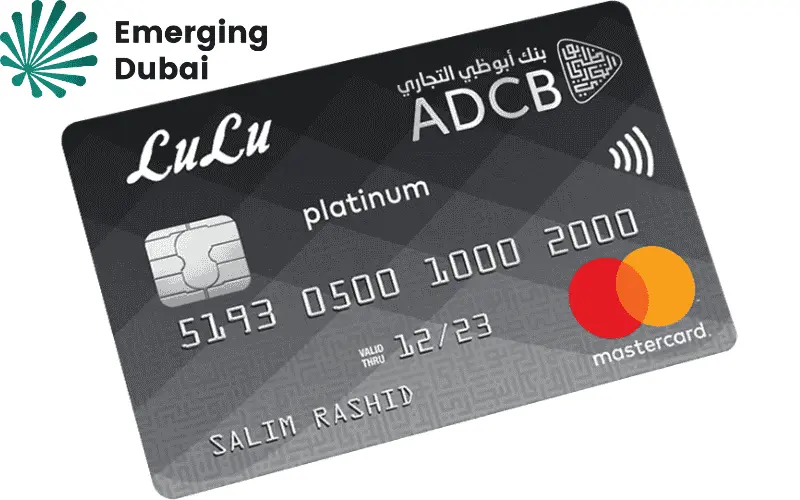
Lulu Payroll Card — Most workers in the UAE get this one from their employer. Your monthly salary lands here through the WPS system. Works like a prepaid debit card — withdrawals, payments, transfers, all of it.
Lulu Money Wallet — App-based, no physical card needed. You top it up yourself rather than waiting on an employer. Good for sending remittances or paying bills on the go.
Lulu Exchange Travel Card — Holds multiple currencies at once — AED, USD, EUR, GBP, and a few others. The main advantage is you can lock exchange rates before traveling so you don’t get squeezed at the airport.

Lulu Gift Card — Fixed amount, bought upfront. Once the balance runs out, most of these can’t be reloaded. Straightforward.

Got your card type sorted? Good. Now let’s get to the methods.
How to Check Lulu Card Balance – All Methods Explained
1. Lulu Balance Check Online – Via the Official Website
Browser on your laptop, phone, or whatever—go to luluexchange.com and log in with the mobile number you signed up with. Your balance is sitting right on the dashboard once you’re in. No clicking around trying to find it.
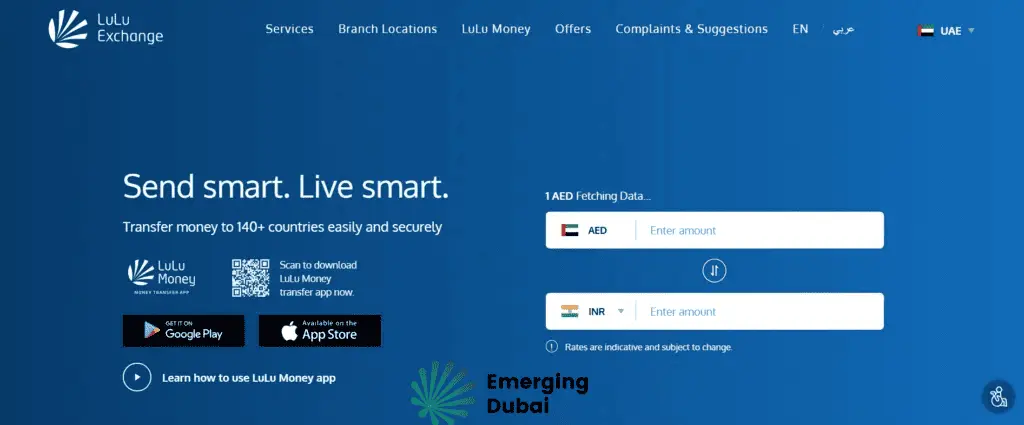
Travel card users: There’s a separate section specifically for travel Lulu balance check. Type in your 16-digit card number and registered phone number, and it will show you the balance broken down by currency—AED, USD, EUR, whatever you’ve loaded onto it.
You need internet for this one, obviously. Page loading slowly? Try switching between WiFi and mobile data rather than waiting it out — that fixes most login issues faster than refreshing the same page repeatedly.
2. Lulu Exchange Balance Check Using the Lulu Money App
Realistically, this is what most people end up using regularly. Free download on Android and iOS; it takes a few minutes to set up if you haven’t already.
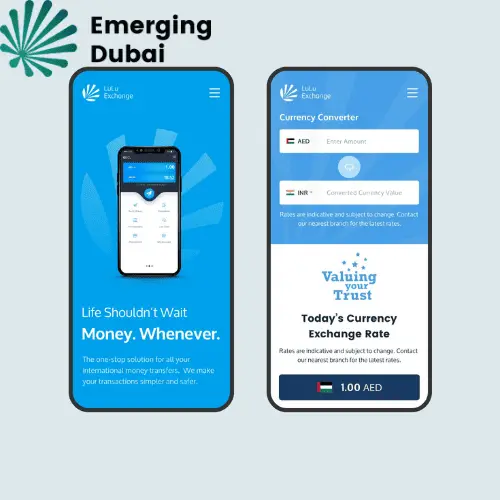
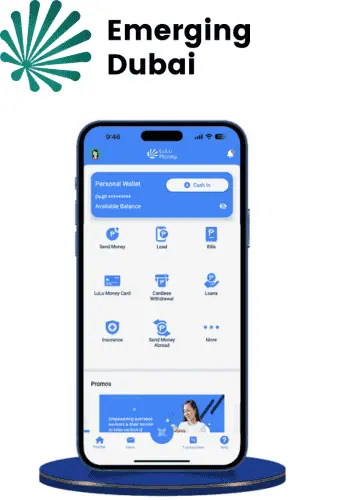
Log in with your number, confirm the OTP, and the balance is literally the first thing on the home screen. No navigating around. If you want to go deeper — transaction history, salary deposit records, transfer logs — it’s all in there and easy to find.
One thing worth doing if you haven’t: turn on push notifications. Every time your salary drops or a payment clears, you get an instant alert. This means you don’t have to keep manually opening the app to check—it just tells you.
Keep the app updated too. Older versions have a habit of showing you a balance figure from your previous session rather than the live one. If the number looks off, update the app, log out, and log back in—that usually clears it.
3. Lulu Salary Card Balance Check by SMS
No data, no WiFi, no problem. Lulu Exchange has an SMS-based balance inquiry system that doesn’t need internet at all.
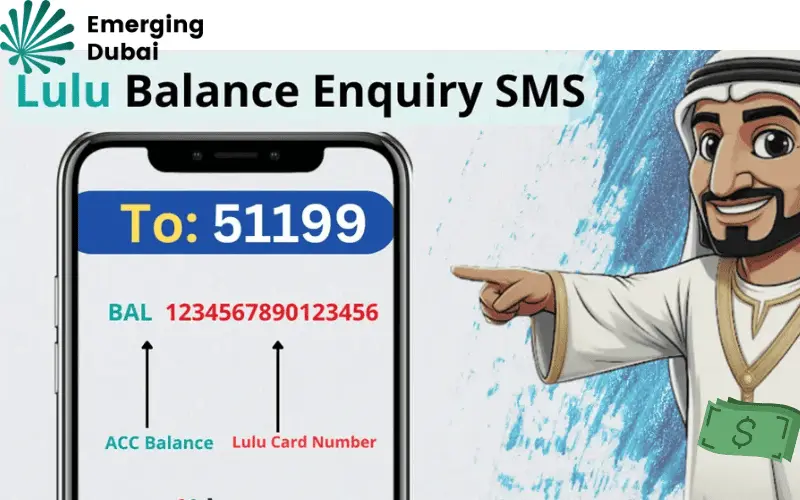
The process is straightforward—you send a text to the number Lulu Exchange provided when your card was activated. The exact keyword or format would’ve been in the welcome SMS or card documentation you received at setup. If you’ve lost that info, a quick call to customer support gets you the details.
A reply comes back in seconds with your current balance. That’s the entire process.
This method is particularly useful for workers in areas with patchy mobile data coverage or anyone who prefers not to use apps for financial stuff. As long as your SIM can send a text, it works.
4. Lulu ATM Balance Check – Step by Step
Walk up to any Lulu Exchange ATM for a Lulu Balance check at ATM, insert your card, enter your PIN, and hit “Balance Inquiry” from the main menu. Done. Some machines also let you print a mini receipt if you want something physical to hold onto.
Your card is also accepted at most major UAE bank ATMs, not just Lulu’s own machines. The one difference: third-party ATMs might charge a small inquiry fee — usually AED 1 or 2. Lulu Exchange’s own ATMs don’t charge anything for lulu bank balance check, so if you have one nearby, use that.
This method works well if you’re already out and about and near an ATM anyway. It also functions as a backup when both your phone battery and internet are dead — something that does happen.
5. Visit a Lulu Exchange Branch for Balance Enquiry
Sometimes the situation needs a human. If your balance is wrong, a transaction is missing, your card got blocked, or you just need to update your account details — walking into a branch is the most direct route.

Bring your Lulu card and your Emirates ID. The staff can pull up your account, show you the balance, and deal with most issues on the spot without you having to wait for a callback or email reply. For anything serious — unauthorized transactions, card disputes, salary not credited — this is genuinely the fastest resolution path.
Branch hours vary, so it’s worth checking the Lulu Exchange website for locations and timings before you make the trip.
You can also read: Fab Bank Balance Check
Lulu Card Balance Not Showing? Here’s Why & How to Fix It
Happens more often than it should, but it’s almost always something minor. Here are the usual suspects:
Salary delay: Payroll processing and the actual card credit don’t always happen at the same time. Your employer may have run payroll in the morning but the money shows up on your card three to four hours later. Give it some time before assuming something’s wrong.
Pending transactions: Made a payment recently? It might still be sitting in pending status, which pulls from your available balance before the transaction actually settles. Usually clears within 24 to 48 hours.
Wrong card number: If you typed even one digit wrong in the online portal, you’ll either get an error or a blank result. Happens more than you’d think. Double-check the number on the card itself.
Old app version: I mentioned this earlier, but it’s worth repeating—an outdated app sometimes shows cached data from your last login. Update, log out, log back in.
ATM network issue: The machine itself might just be having a bad day. Try a different ATM or switch to checking through the app instead.
Still doesn’t make sense after checking all of the above? Call Lulu Exchange support at +971 600 522 204. Have your card number ready when you call.
How to Reload Your Lulu Card (Add Money)
People ask about topping up alongside balance checking, so it’s worth a quick mention.
For the Lulu Money Wallet: open the app, tap “Reload Wallet,” pick your payment source, type in the amount, and confirm with an OTP. Balance updates immediately after.
For the payroll card: You don’t reload this one yourself. Your employer handles it through the WPS payroll system. If you need money added, that conversation goes to your HR or accounts team, not Lulu directly.
For gift cards: generally not reloadable. Once the value runs out, the card’s done. Some limited promotions have offered reload options in the past, but that’s the exception, not the rule.
Frequently Asked Questions – Lulu Salary Card Balance Check
Do I need the app to check my balance?
No. Website, SMS, and ATM all work without the app. The app just makes everything faster.
Are there any fees involved?
Balance checks are free online, via app, and by SMS. ATM checks are free at Lulu Exchange machines. Non-Lulu ATMs might charge a small fee.
Can I check my balance while traveling abroad?
Yes, the website and app work from anywhere with internet. SMS works too, though international texting rates from your plan may apply.
I forgot which number I registered with. What now?
Visit a branch with your card and Emirates ID. They can look up and update your account details in person.
My gift card balance is showing zero, but I haven’t used it all. What’s going on?
First check the expiry date on the card itself. Gift cards typically expire 12 months from the issue date, and an expired card shows zero regardless of the remaining balance. If it hasn’t expired, call customer support or visit a branch.
How fast does the balance update after a transaction?
Immediately. The system reflects deposits and payments in real time on both the app and website.
Wrapping Up
Five methods, all of them simple, most of them instant. Whether you want to check through the app during your lunch break or stop at an ATM on the way home — it all works.
The Lulu Money app is the best everyday tool if your phone is always with you. But knowing the SMS and website options exist means you’re never stuck without access to your own account information, regardless of the situation.
One habit worth building: enable transaction notifications on the app so every salary credit and payment shows up as an alert. Less checking, less wondering, more peace of mind.
And if the balance ever genuinely doesn’t add up — flag it early. Lulu Exchange support resolves most issues quickly when they’re reported promptly rather than weeks later.